

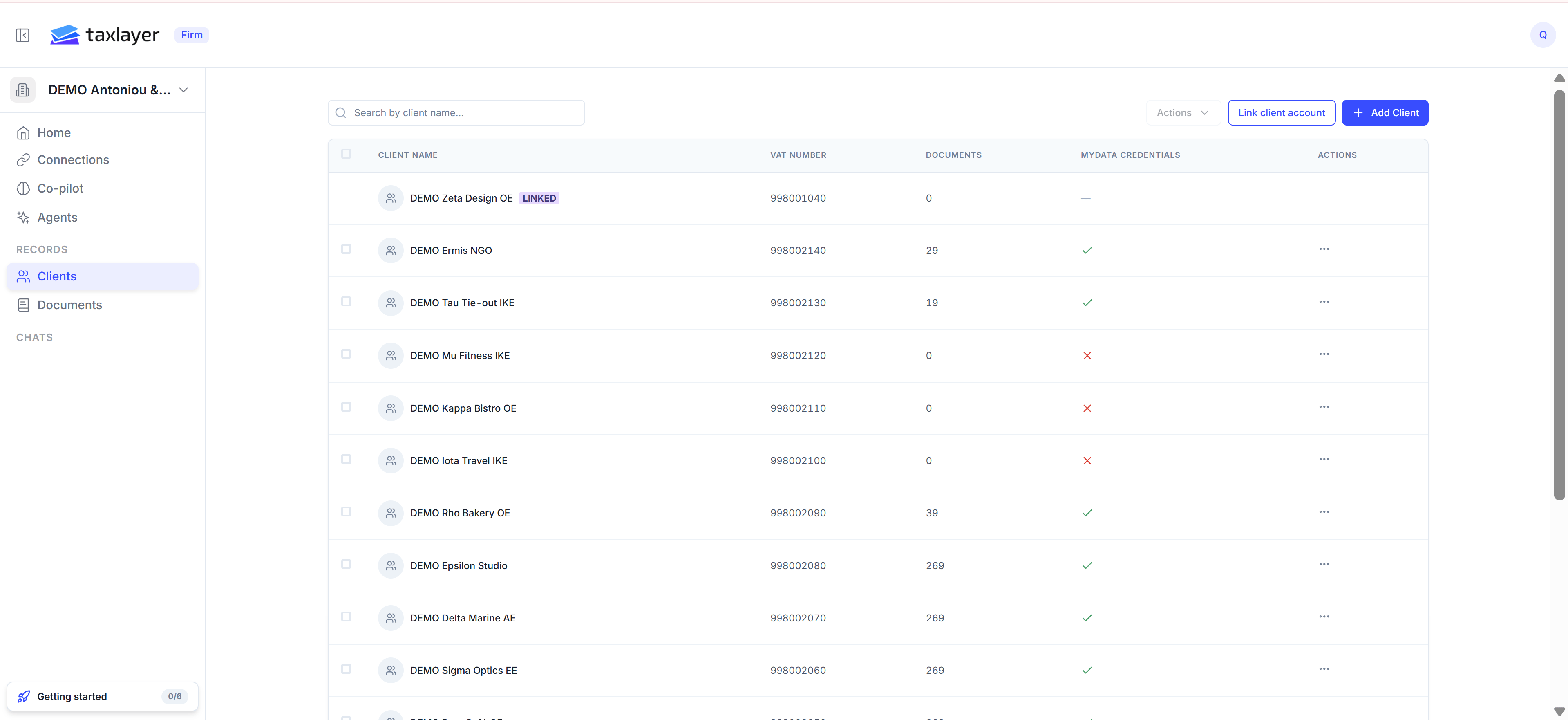
The Clients list — a Linked badge marks clients who connected their own account
- Open Clients in the sidebar and press Add Client.
- On the General tab fill in Client Name and VAT / AFM (9 digits; TaxLayer checks it’s a valid Greek ΑΦΜ). Country, currency, language and timezone default to Greece, EUR, Greek, Europe/Athens.
- On Finance & Tax:
- VAT filing frequency — Monthly or Quarterly. Set it now; the VAT deadline cards need it.
- Legal form — needed for the income-tax estimate.
- myDATA Credentials — the client’s AADE User ID and Subscription Key. See Connect myDATA. You can also add these later.
- Bank Accounts — optional IBANs, so uploaded statements link to this client automatically.
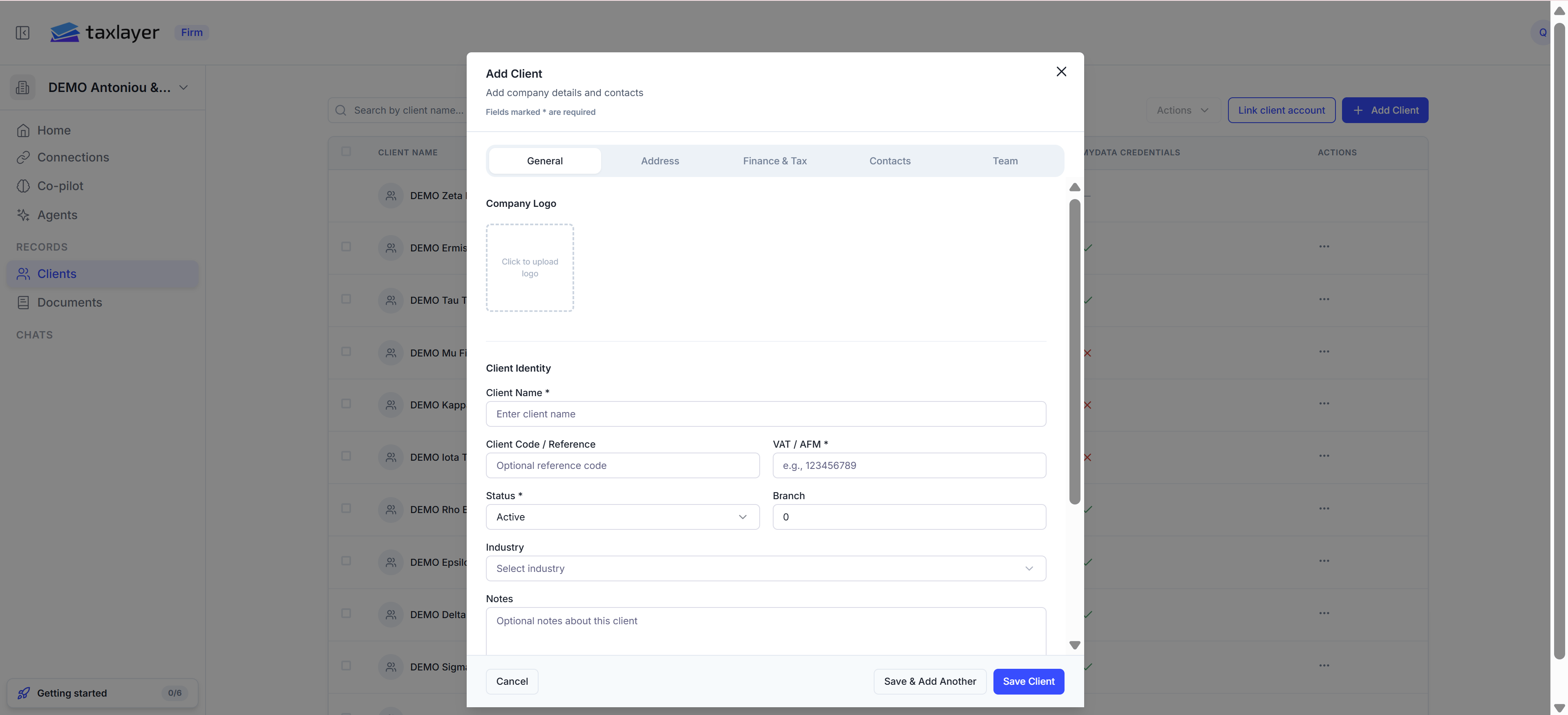
Add Client › General
- On Contacts, add the people at the client. See Contacts and team.
- On Team, choose which of your staff can see this client. Admins always can; members see only clients they’re on.
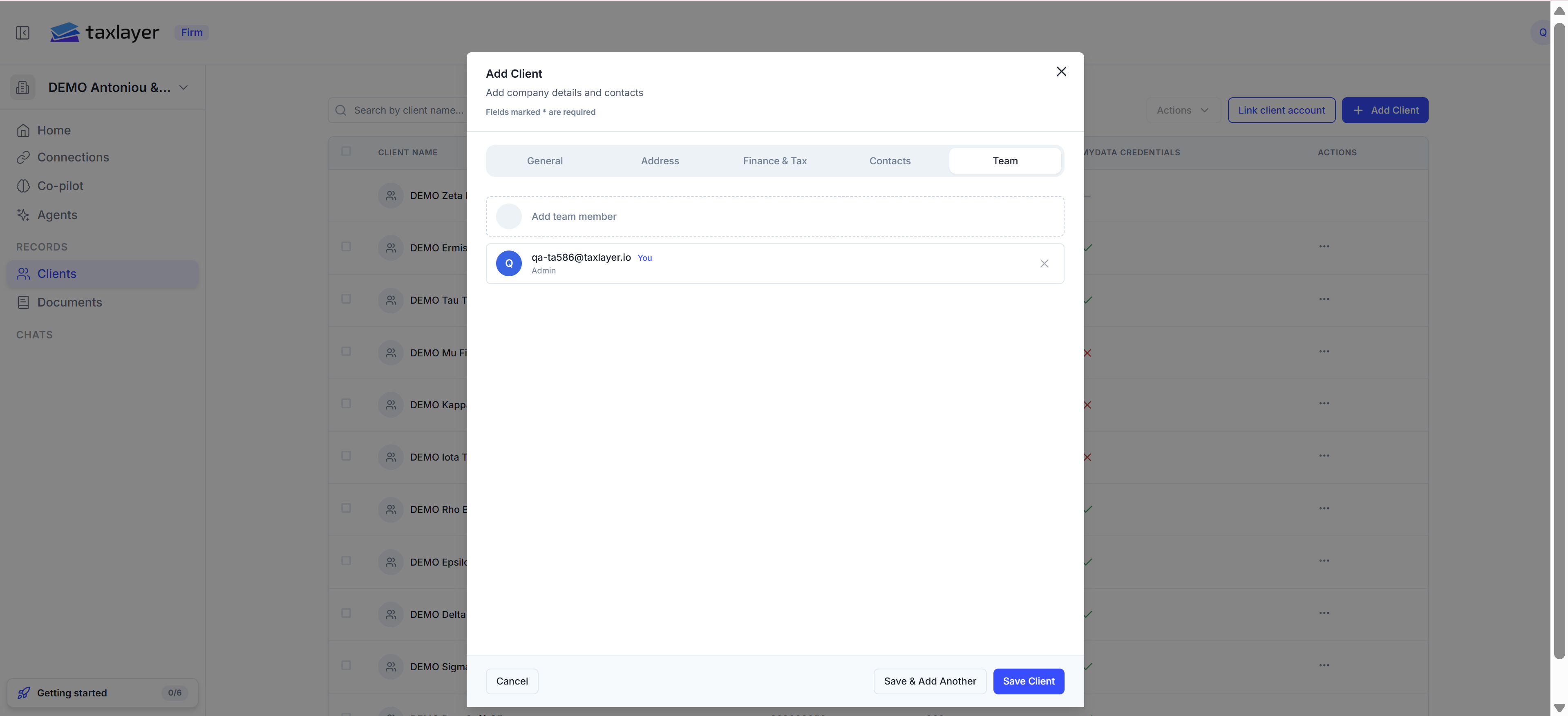
Add Client › Team
- Press Save Client, or Save & Add Another to keep going (the myDATA codes are kept for the next client).