

Create your account
- On the sign-in page, choose Sign up.
- Enter the business’s VAT number (9 digits, with or without EL) and press Look up. The registered legal name, trade name, tax office and address appear. If it says No business was found for this VAT number, check the digits.
- Press Next and fill in your first and last name, email, an optional mobile number, and a password (at least 8 characters, with an uppercase letter, a number and a symbol).
- Press Sign Up. You are signed in immediately.
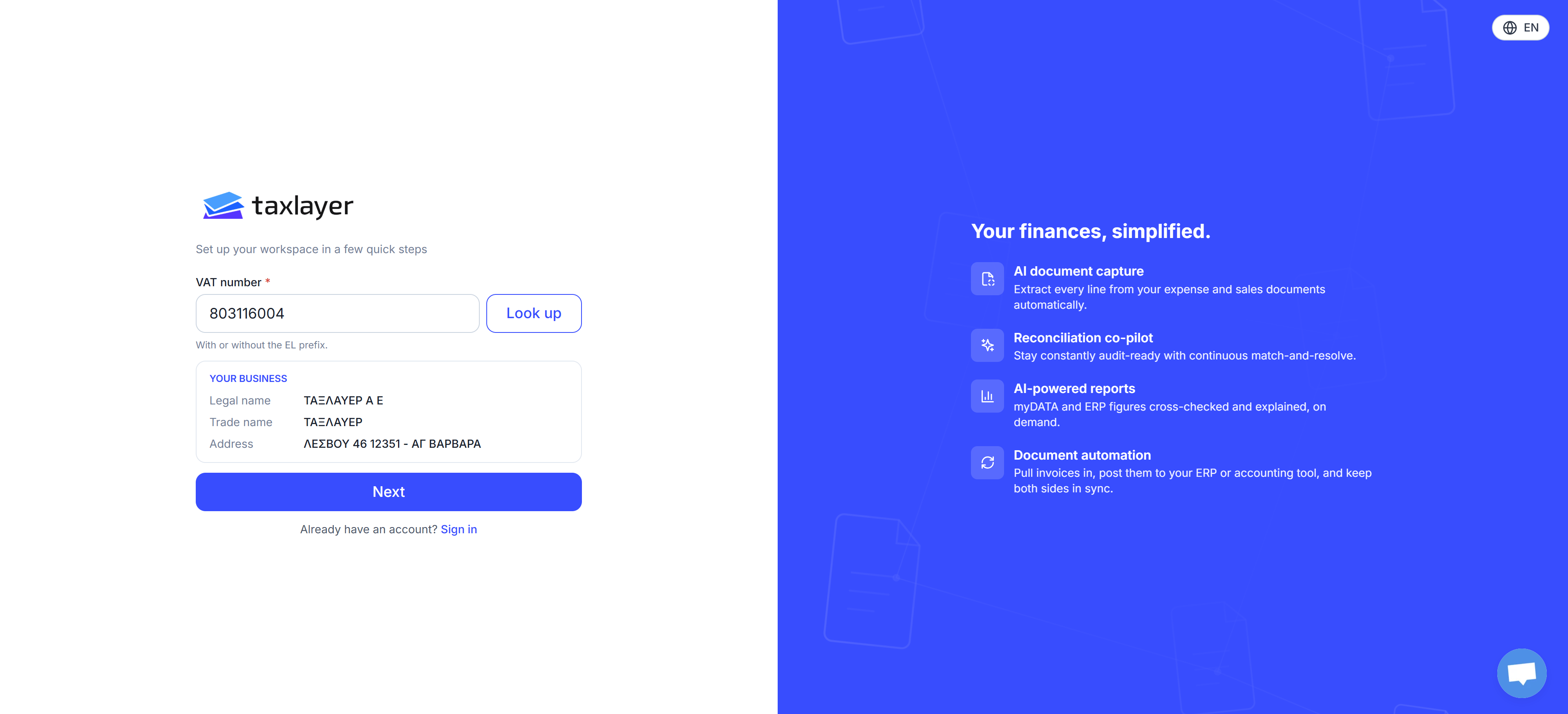
Look up fills in the registered business from the VAT number
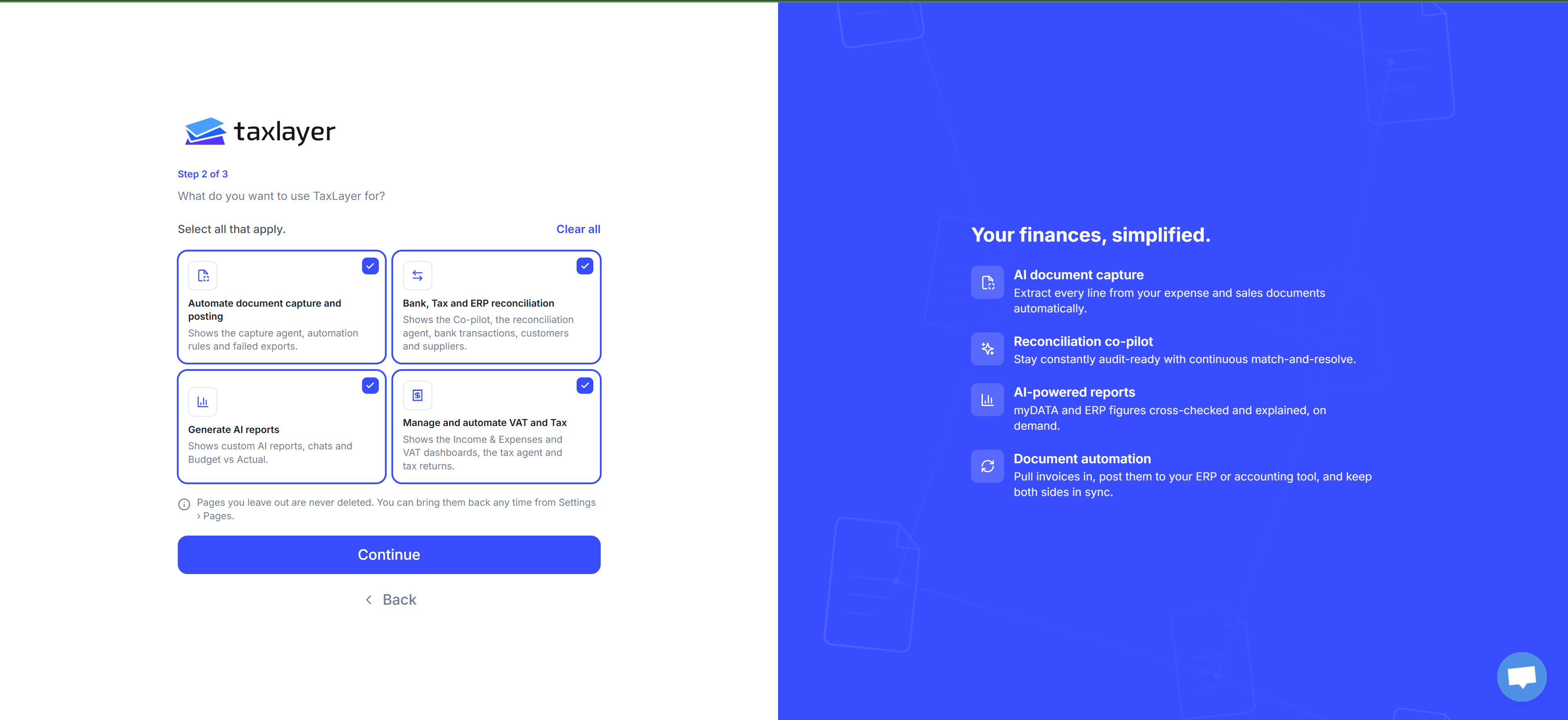
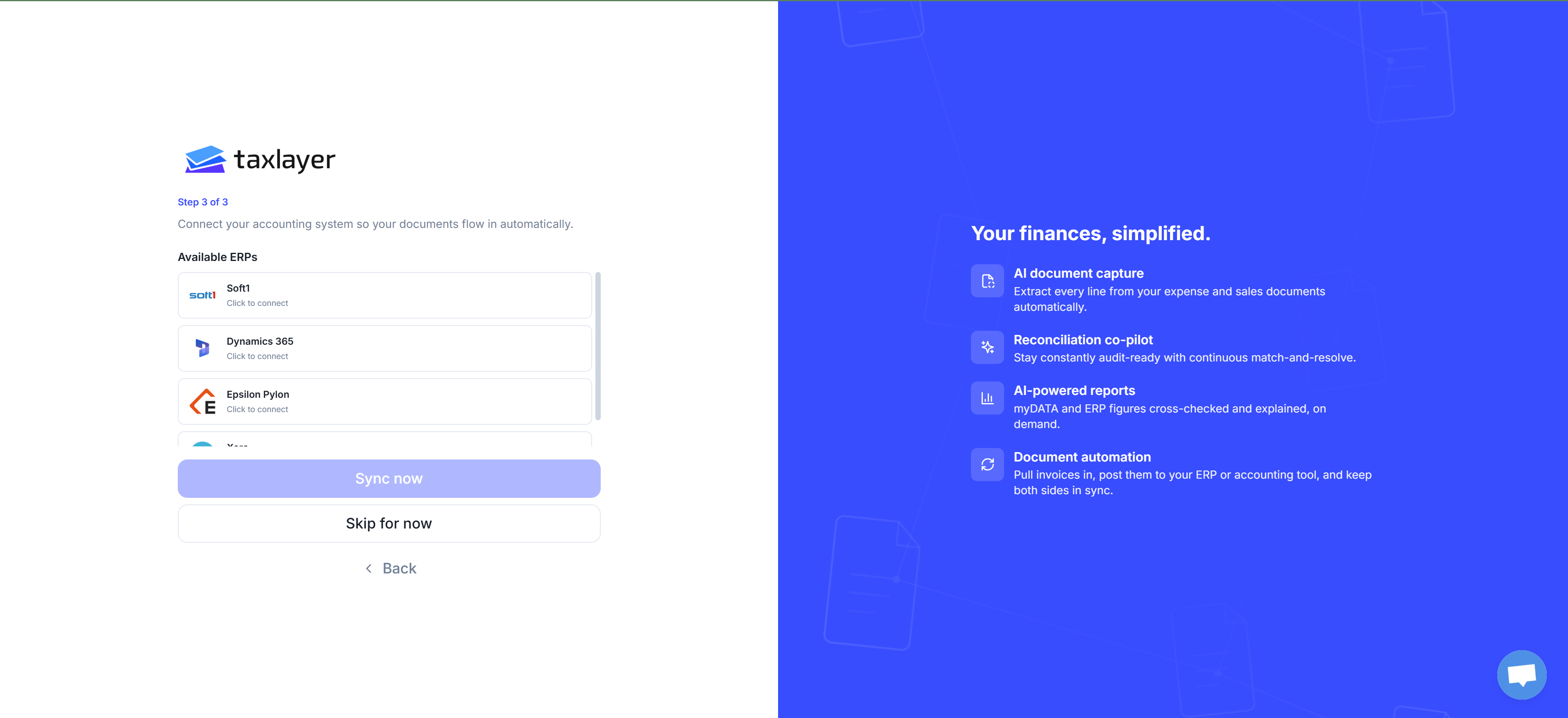
Setup: three steps
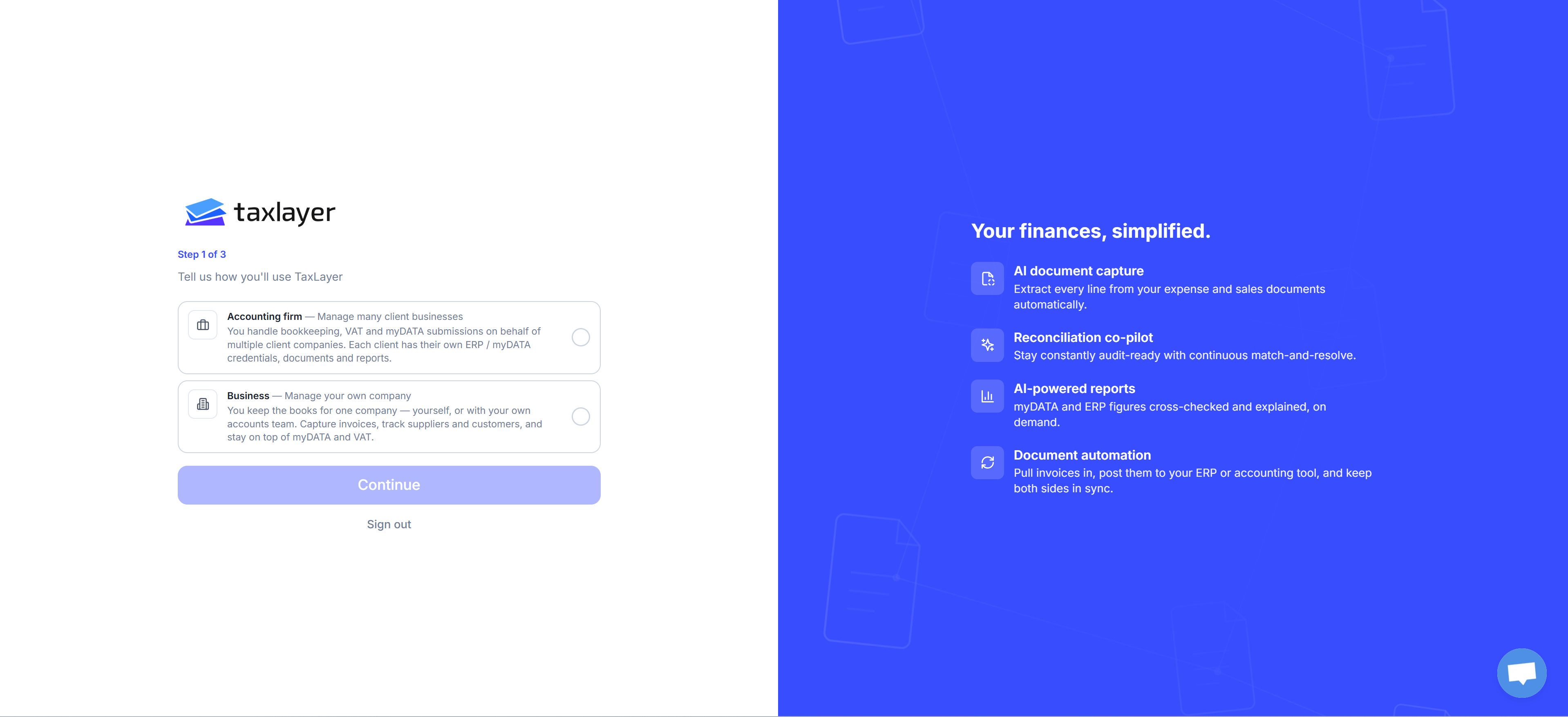
Step 1 of 3 — Tell us how you’ll use TaxLayer- Accounting firm — you handle the books for many client companies. Each client has its own myDATA codes, documents and figures.
- Business — you keep the books for one company, yourself or with your own team.
First landing
Admins see a connect window once, on first landing. Choose Later to close it for this session, or Don’t show again.- Business: Connect your sources — your myDATA codes and your bank.
- Firm: Connect your clients’ sources — either Do it yourself (add each client’s myDATA codes and bank) or Let your clients do it (send a link; the client connects their own). Both routes start from Add your first client / Invite a client.
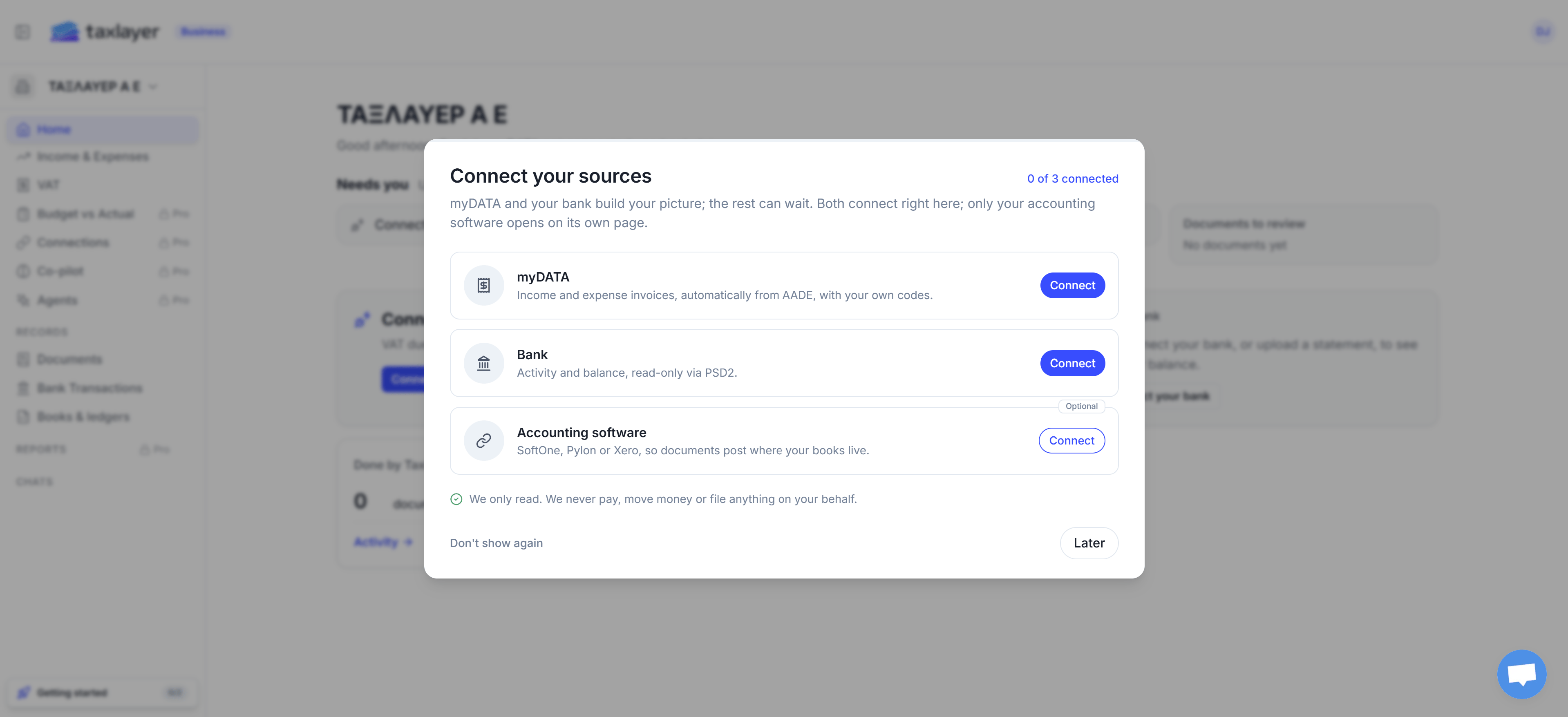
Business
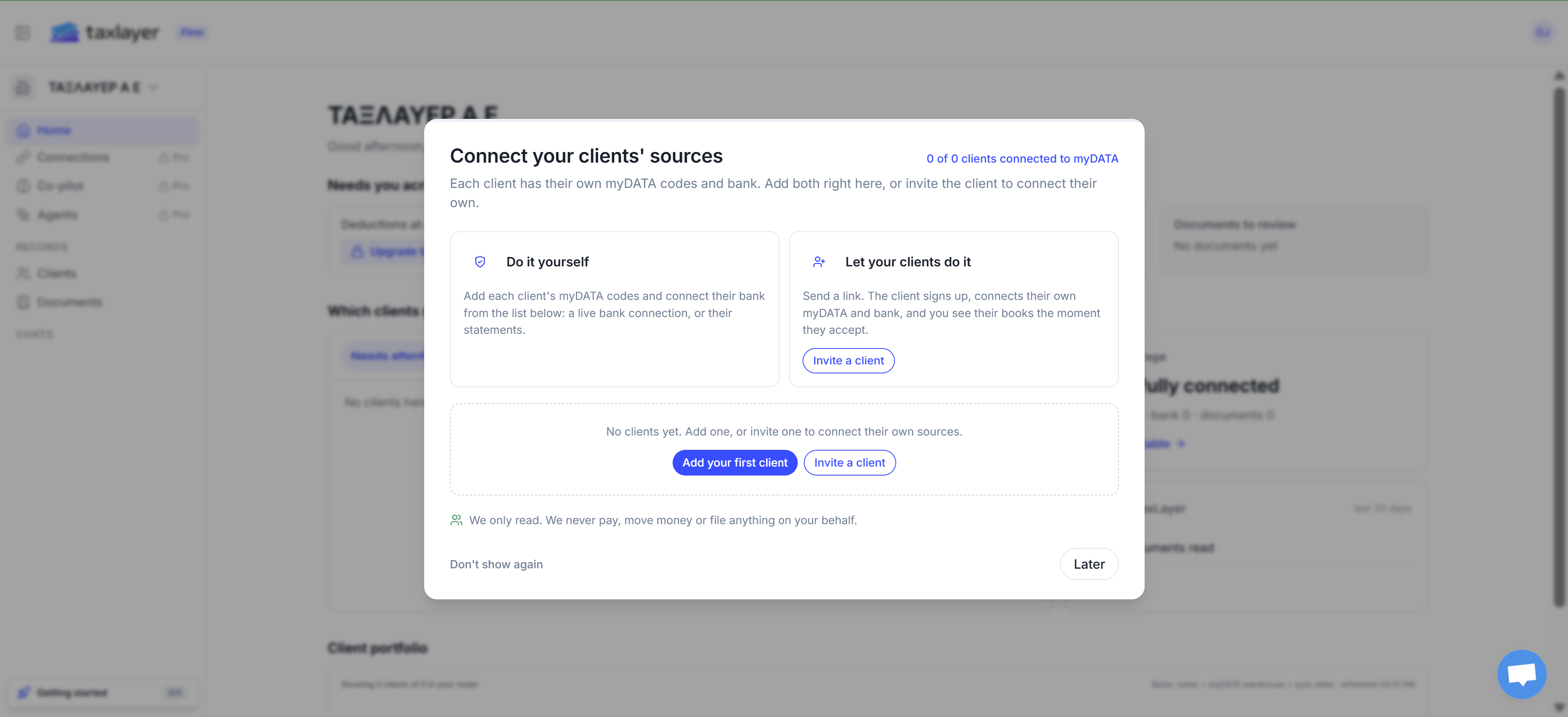
Accounting firm