

Contacts
Contacts are the people at the client business. Open the client › Contacts tab › Add Contact: first and last name, email, phone, job title, and three switches:- Primary Contact — the main person; they receive the email when you publish a report to the client.
- Receive Notifications
- Invite to TaxLayer — emails them an invitation to open their own account, linked to your firm (see Link a client’s own account).
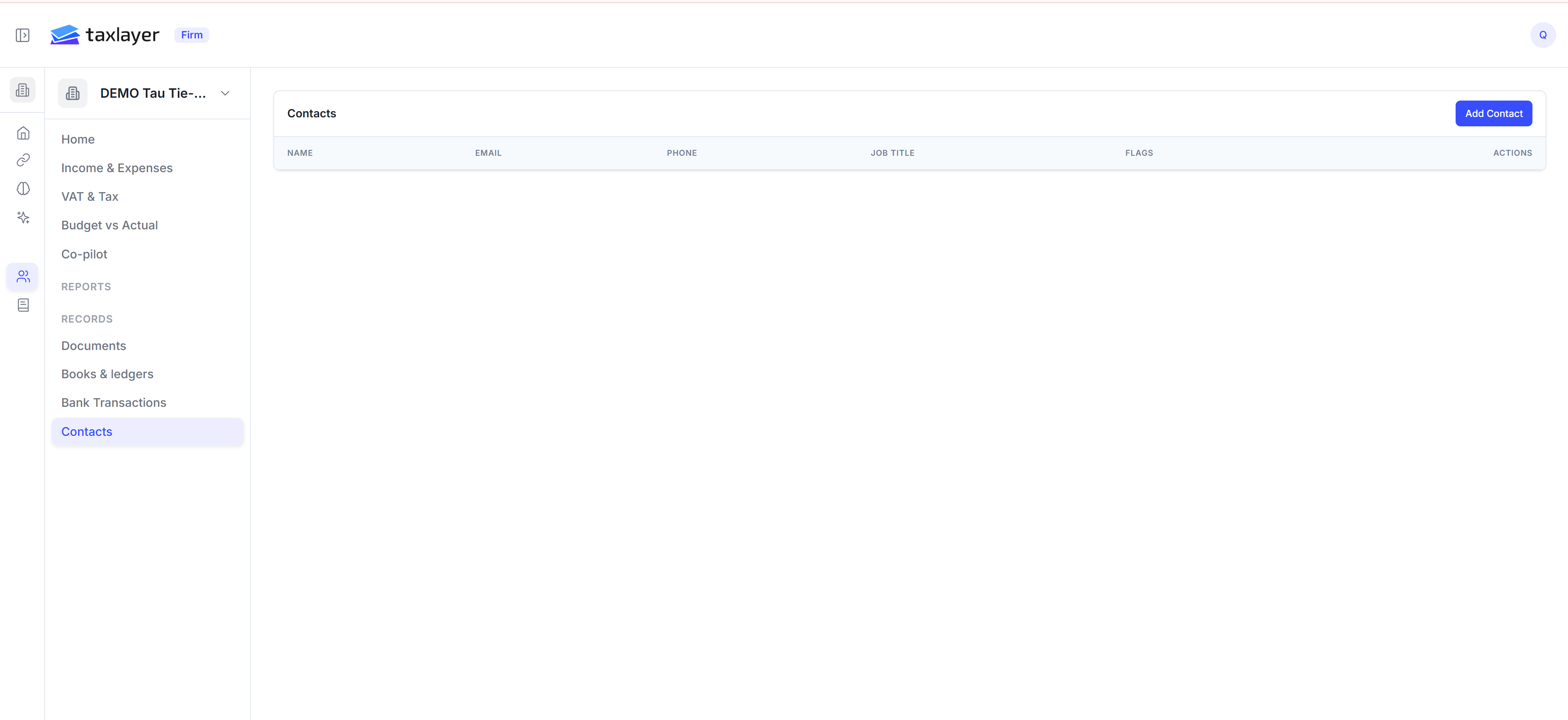
Client › Contacts
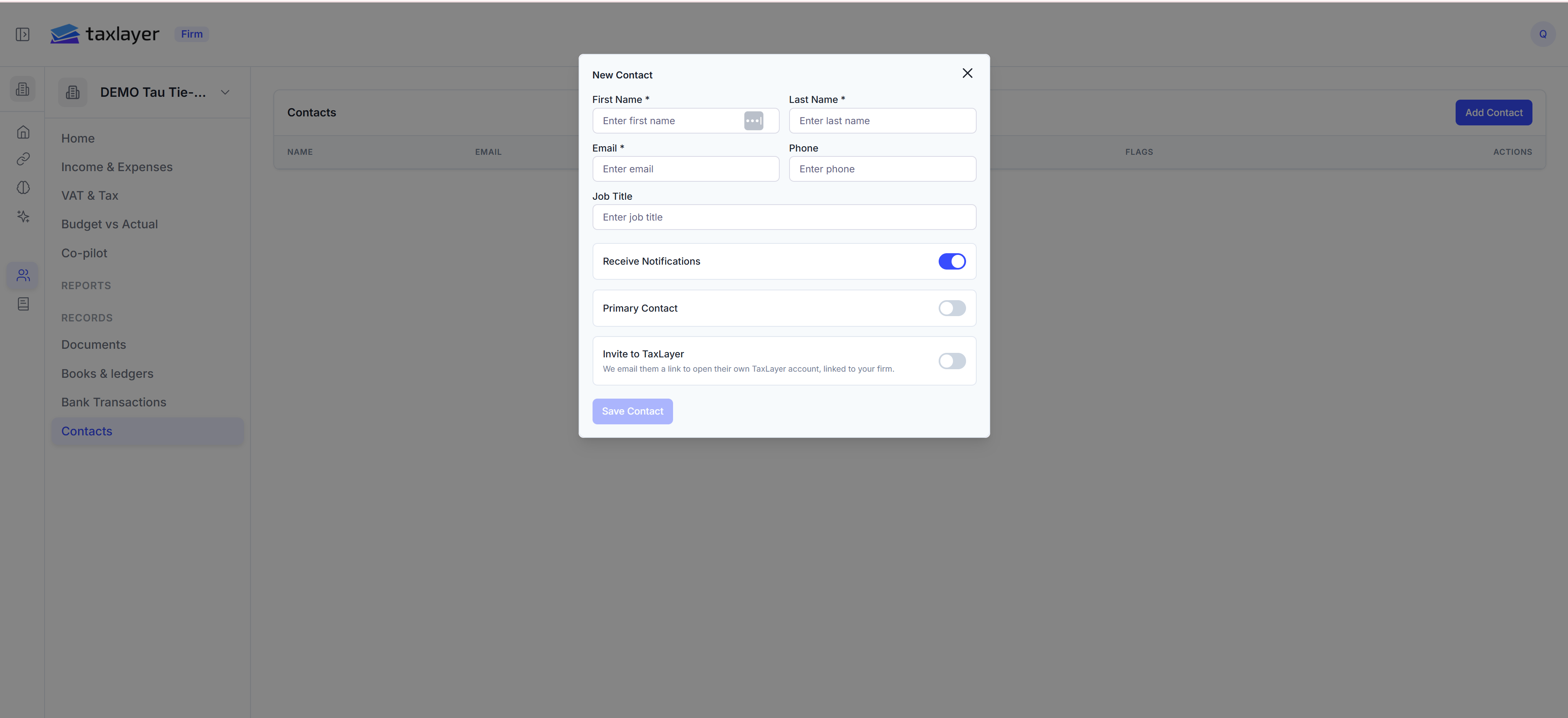
Add Contact
The client portal
Contacts who have a portal login see a cut-down TaxLayer for their own company only: Income & Expenses, VAT, Documents (they can upload), Connections, Chats and published Reports. They cannot see other clients or your firm’s workings. Turning off portal access blocks their sign-in with You do not have access to the platform. Contact your administrator.Team access per client
On the client’s Team tab (in Add Client or Edit Client), add the colleagues who should see this client. Rules:- Admins see every client.
- Members see only the clients they’ve been added to.