

Set up
- Open Connections › Mobile scanners tab (or Mobile Scanners directly) and press Add Scanner › WhatsApp.
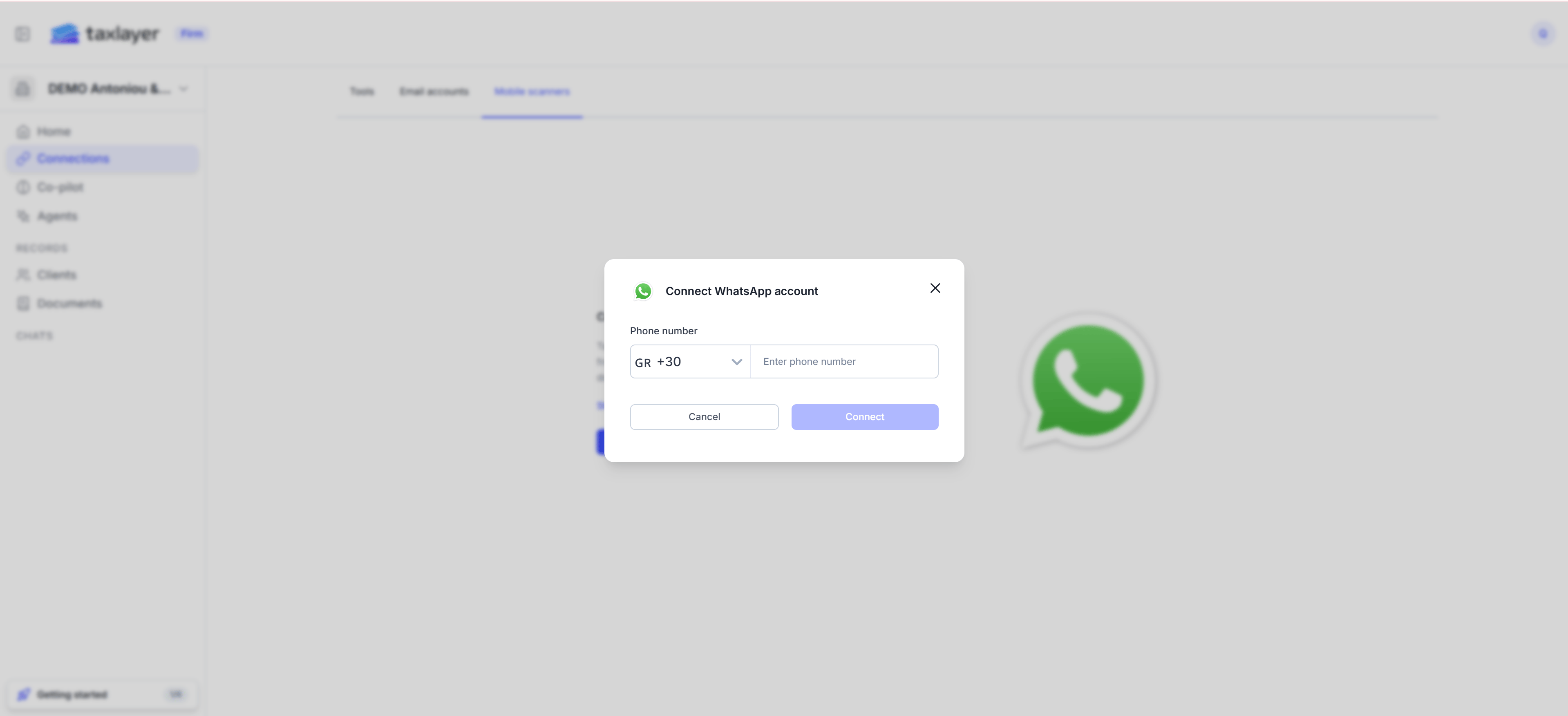
- Enter the phone number with its country code and press Connect.
- The scanner shows as Pending. Use QR code on its row to open WhatsApp to the TaxLayer number, or add the number shown to your contacts.
- Send any message. The scanner becomes Active. There is no verification code.
Using it
- Send a photo or PDF → it becomes a document and goes through the usual statuses.
- Send STOP → the scanner is switched off.
- Any other text gets the reply Please send a photo or upload your receipt or other document.
- Messages from numbers that aren’t registered are ignored.