

Two reconciliations
The Co-pilot landing shows two cards. Press Open on either.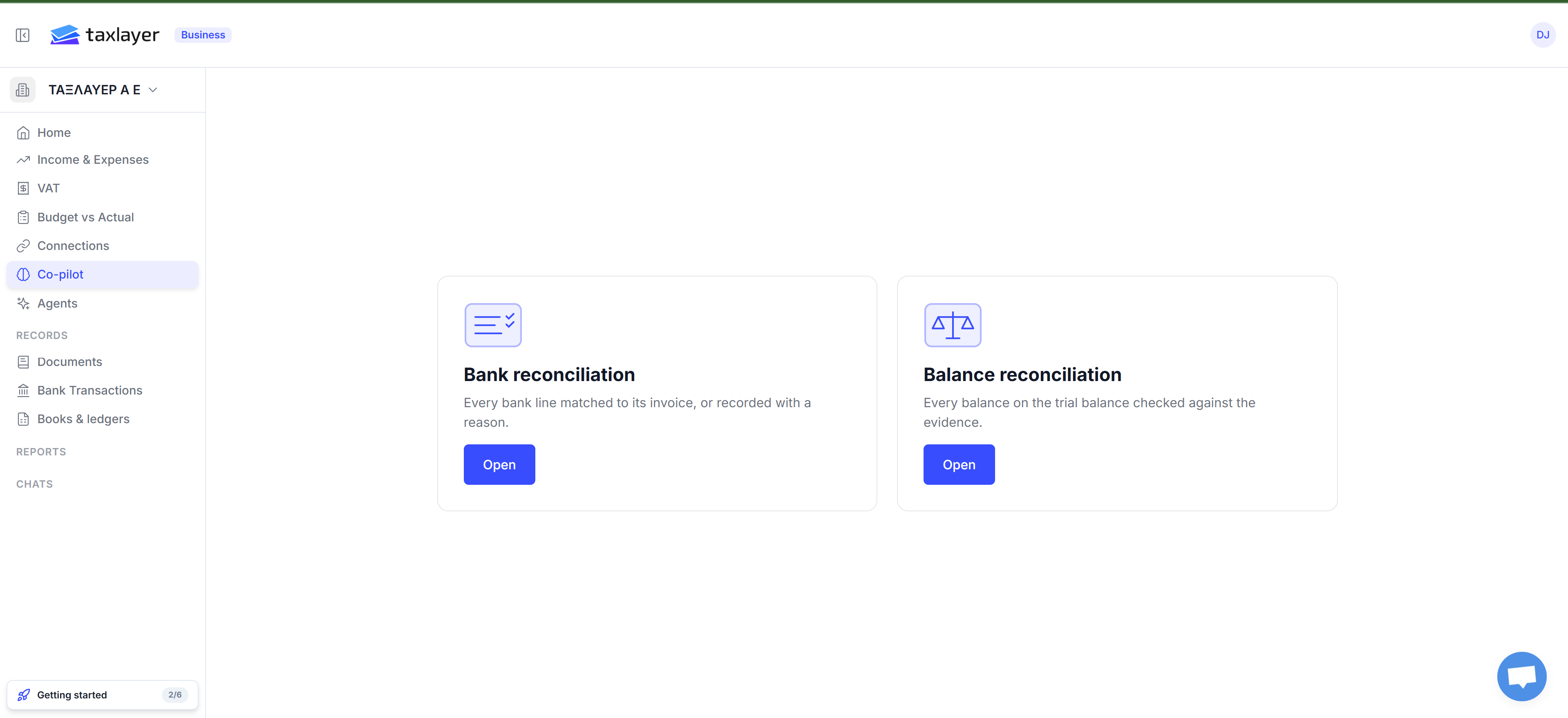
The Co-pilot landing
Bank reconciliation
Every bank line matched to its invoice, or recorded with a reason — and your books checked against myDATA.
Balance reconciliation
Every balance on the trial balance checked against the evidence.
What TaxLayer does and what you do
- Code does the numbers. Matching, totals and balances are deterministic — the same inputs always give the same answer. See Why didn’t it match? for the rules.
- The AI suggests. Which account a transaction belongs to, why a difference exists, what to do next. Suggestions are marked so you can see them. With Autopilot on, suggestions are applied; off, they wait for you.
- You decide. Nothing is posted to your accounting system, submitted to AADE or moved anywhere without you.
The data problems that appear as rows
Alongside bank lines, the table carries the things that need clearing before the myDATA deadline:- Paid, but supplier never filed — you paid and hold the invoice, but it never reached AADE. The row tells you that you can file it yourself as the recipient, and the deadline to do it (due 31 Dec, 65 days). You file it in AADE’s portal; TaxLayer never submits for you.
- AADE has it, you have no copy — a supplier reported an invoice and there’s no document. Upload the document links the file to that MARK straight away.
- Doesn’t match up — a document with no payment, an invoice that looks unpaid, amounts that differ between sources, a cancelled invoice that was paid anyway.