

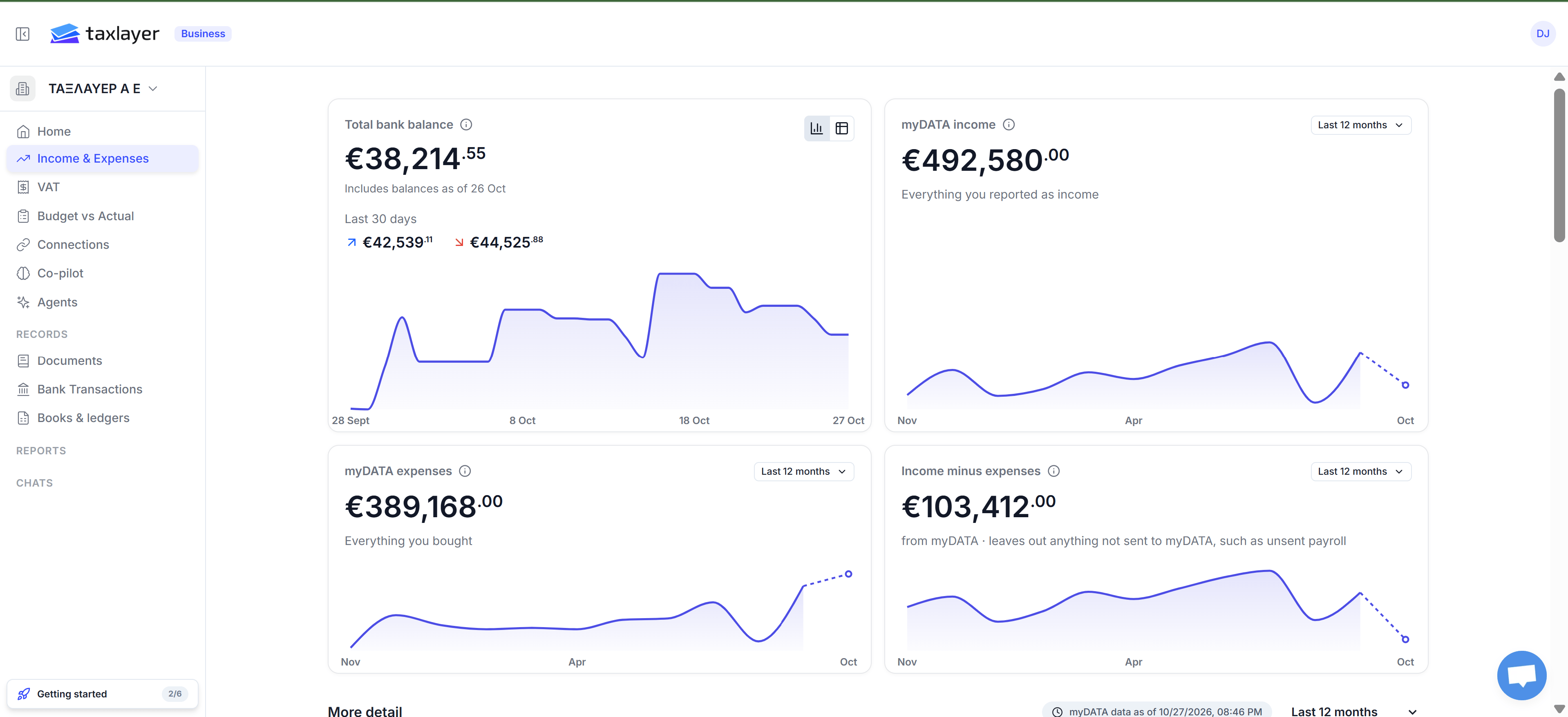
Income & Expenses: the four cards, each with its own time range
The four cards
- Total bank balance (business only) — the latest balance of each bank account, added together, with money in and out over the last 30 days. Shows N/A until you upload a statement.
- myDATA income — all income documents reported to myDATA for the period, after credit notes, before VAT. The same figure as myDATA’s own statistics, retail sales included.
- myDATA expenses — all expense documents reported to myDATA, before VAT, payroll and fixed assets included.
- Income minus expenses — exactly the difference of the two. Negative means a loss for the period.
More detail
Below the cards, with its own date picker:- Revenue growth — change between the last two finished months.
- Active customers — distinct VAT numbers you invoiced. Retail sales don’t count as a customer.
- Revenue mix — retail share versus your largest invoiced customer.
- Revenue by customer table and the monthly chart.
- Cost-to-revenue — operating expenses as a share of revenue.
- Surplus before payroll — revenue minus operating expenses, with lines that walk it back to the myDATA result (payroll, depreciation, fixed assets, adjustment entries).
- Expenses by category or by supplier.